Since this Snap4City training course has been organised by University of Florence - DINFO Department, payment for non italian participants shall be made through the procedure “PagoPA”, the new payment method introduced by the Code of Digital Administration and by D.L. 179/2012, which guarantees safe and reliable electronic payments towards any Italian public administration (https://iris.rete.toscana.it/public/).
To pay your fee, you can easily follow these instructions: PLEASE NOTE that the IRIS platform actually is not in English, but by using the Google Translator service the page can be translated into the language of the country where you are located.
Below you find instructions to proceed with the payment:
- Go to: https://iris.rete.toscana.it/public/ and in the main menu on top, select “Pagamenti Spontanei” as shown in the following image.

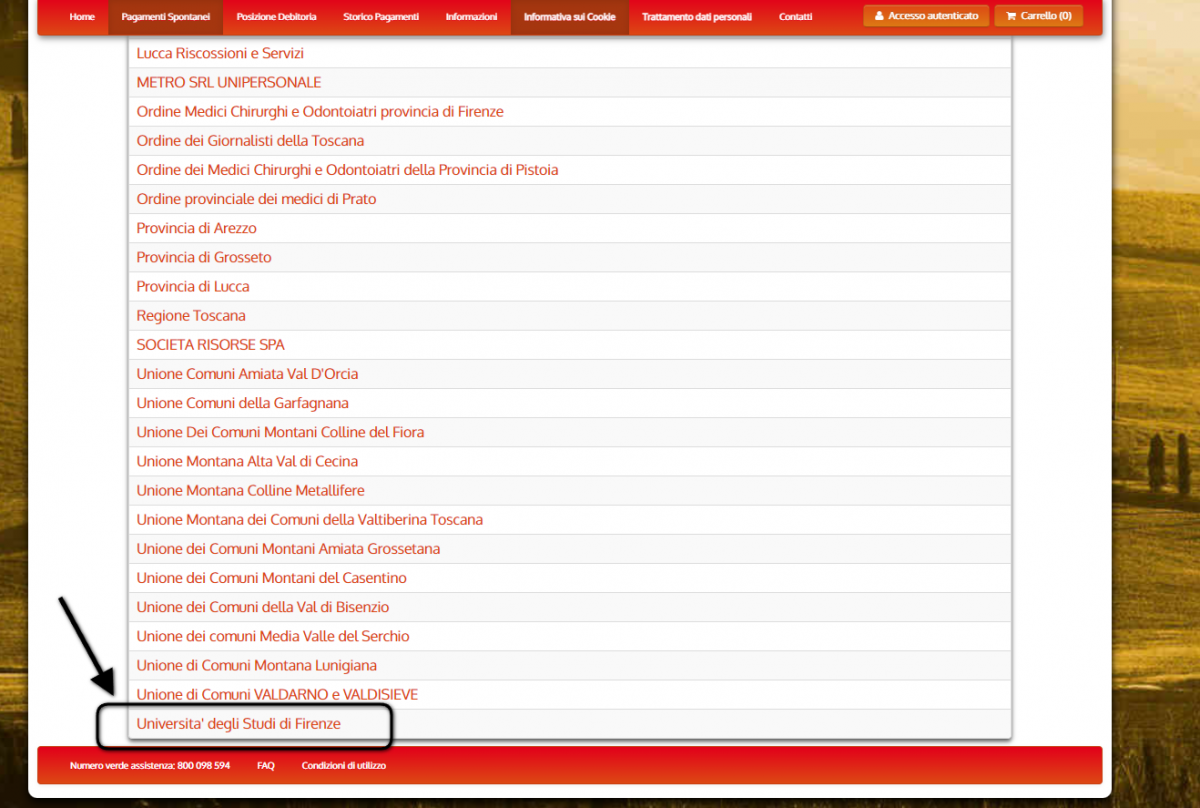
- Scroll down the list and select “Università degli Studi di Firenze”.
- In the the next page, scroll the list and select 058507 that is the number of Department of Information Engineering.

- Fill in the form with the following pieces of information:
- “Importo del Versamento” = Payment amount according to the course parts you decided to attend (see here for more information)
- “Causale del versamento” = Reason for the payment: write “Name and Surname - Snap4City training course - 058507 DINFO”
- “Anno di Riferimento” = Reference year: 2023
- “Codice Fiscale/P.IVA” = Fiscal Code/VAT: write “ANONIMO” if you don’t have a Fiscal Code or VAT number.
- “Denominazione” = Your name and surname
- Click the “Continua” button.

- Final check on the information provided and to confirm simply digit the control code and click “Aggiungi al carrello” (add to cart) to continue.Check the information and to confirm digit the control code and click “Aggiungi al carrello” to continue.
If any piece of information is information are not correct click “Indietro” (backward) to come back to previous page.

- Check details and if correct, click the “Paga” button on the bottom right.

- In the next page, you have to fill in the data of the person providing payment by specifying what follows:
- Insert “ANONIMO” in the Codice Fiscale field;
- Insert your e-mail address;
- Confirm your e-mail address.
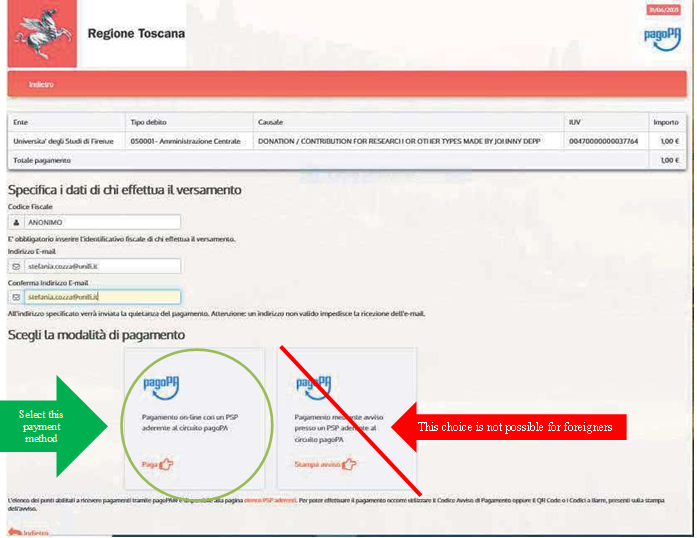
- Then, choose the payment method on the left as indicated in the next image, since being a foreigner living not in Italy, you cannot choose the other method.
Read the following steps to proceed with the On line payment:
- Change the language of the PagoPA service, if you want.
Being a foreigner and not having a SPID code, click “Login with your email”.

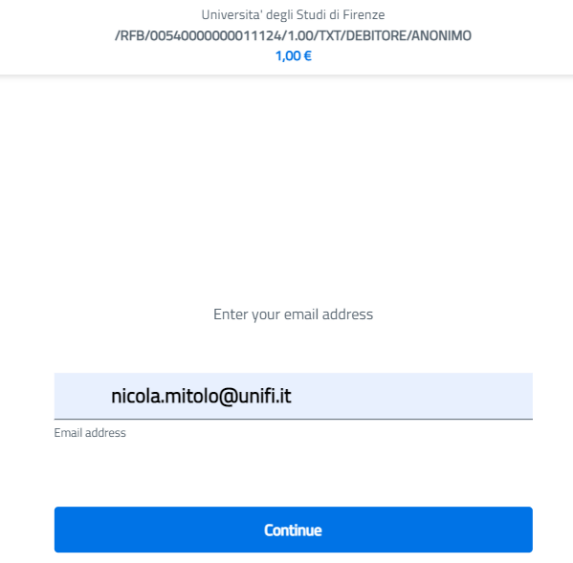
- Insert your e mail address and click Continue.
- Accept the privacy policy by clicking Continue.

- Click on Credit/debit card. Payment via Bank account is not allowed for foreigners, since this option is admitted only for Italian banks.

- If you choose Credit/debit card, pay attention to the daily limit of your card, otherwise, the only way for higher amounts is to provide payment with the PayPal method available in the Other payment methods, as explained below.

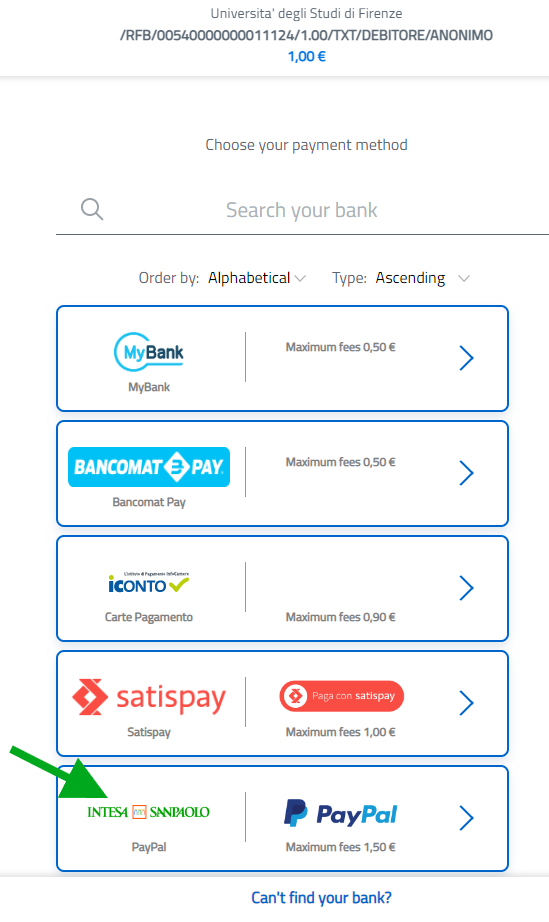
- If you select to pay via Other payment methods you cannot choose to pay with your bank wire, these options are only for Italian banks.

- At present only PayPal — INTESA SAN PAOLO is the payment method allowing to provide payment from abroad..